











The Pigabet app brings the betting platform to Android phones and tablets, allowing users to view events, manage their account, and use available betting sections without a browser. The interface is designed for touchscreen use and can be useful on mid-range devices or connections that vary in speed. If you have used the desktop site before, the mobile layout follows the same general account and market structure.
Why Use the Pigabet App
A dedicated app can be more convenient than keeping a browser tab open. It keeps the betting interface in one place and gives faster access to the areas you use most often, including markets, the bet slip, and account settings.
The layout is built for touchscreens, with clear tap targets and an accessible bet slip while browsing events. Account tools such as transaction options, bet history, and personal details are available through the main menu. Before installing any app, check that your phone has sufficient free space and use a stable connection where possible.
How to Download the Pigabet App
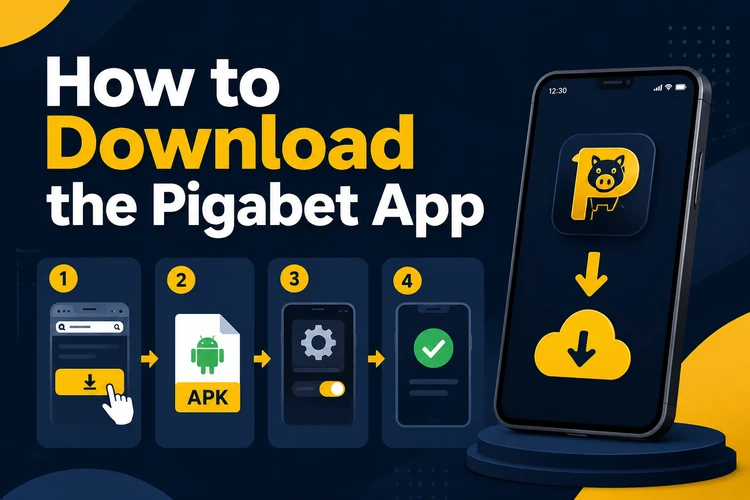
The Android app is supplied as an APK, the standard package format used to install Android software outside an app store. Use the download option provided by Pigabet rather than an unfamiliar third-party APK site. Files from unofficial sources may be outdated or altered.
Before downloading, confirm that your Android version is supported and that you have enough free storage for the installer and the completed app. The downloaded file normally appears in the Downloads folder. If the connection stops during the download, delete the incomplete file and start again instead of attempting to install it.
Installation Guide
Android may ask for permission to install a file from the browser or file manager used for the download. This is a device setting, not a permanent requirement for every app. The wording and location of the setting can differ between Android versions.
- Step 1: Open the downloaded APK from your Downloads folder or file manager.
- Step 2: When prompted, allow your browser or file manager to install apps from this source.
- Step 3: Review the installation screen and tap Install.
- Step 4: Wait for the installation to finish, then tap Open or find the icon on your home screen.
- Step 5: Log in with your existing details. If needed, you can log in to your account from the website.
Keeping the App Up to Date
Updates can address technical issues and change parts of the interface or available content. Check the app settings or download area periodically to see whether a newer version is available. Comparing the installed version number with the current download helps avoid reinstalling the same file.
To update, download the new APK and install it over the existing version. Android generally retains app data during this process, but keeping your login details available is sensible. If an update does not complete, first check storage space, remove the incomplete installer, restart the device, and download the file again using a reliable connection.
Sports Betting and Live Features
The mobile sportsbook provides access to sports such as football, basketball, and tennis, subject to the events and markets available at the time. Pre-match markets can be viewed before an event starts, while live sections display changing odds during play.
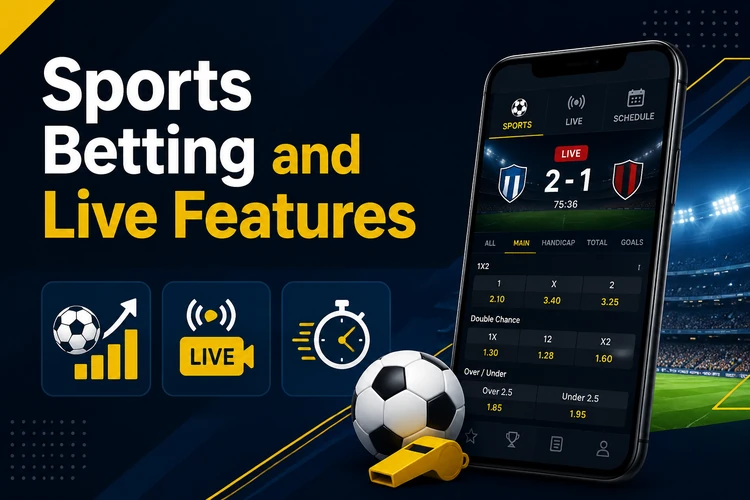
The bet slip records selected outcomes before confirmation and shows the stake and potential return. After settlement, completed bets can be reviewed in bet history. Check selections, odds, and stake carefully before confirming a wager, particularly when odds are changing during a live event. The Pigabet home page provides an overview of the platform's available sections.
Casino and Poker Access
Mobile access may include casino games such as slots, live dealer tables, and table games. Live games require a steady connection because video is streamed in real time. Available titles and game categories can change, so the in-app lobby is the most reliable place to check the current selection.
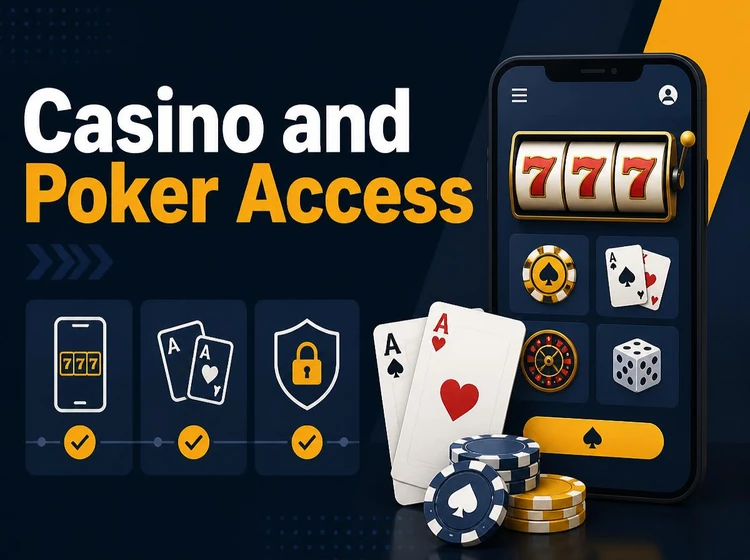
A poker area may be accessible through the mobile casino menu. Specific tournaments, cash games, and table limits depend on the current schedule. A larger screen can make it easier to read game information and manage several open tables. Use only funds you can afford to lose and take breaks if gambling stops being enjoyable.
Troubleshooting Common Issues
If an APK will not open, check whether installation permission has been granted to the browser or file manager that downloaded it. An installation error can also result from an incomplete file, insufficient storage, or an Android version that is no longer supported.
If the app installs but does not launch, restart the phone and check for a newer APK. If the issue continues, uninstall the app before installing a fresh copy; this can remove a corrupted installation. For account access, password, or other account-specific concerns, use the contact page to reach support.
FAQ
The APK download and installation do not have a separate charge. An active account and available funds are required before placing a bet.
The app can be used on compatible Android tablets. Check the device version, available storage, and screen settings before installation.
Use the APK supplied through Pigabet and avoid unfamiliar third-party file sites. Before installing, confirm the source and do not grant installation permission to apps you do not recognise.
Download the latest available APK and install it over the existing version. If the update fails, delete the incomplete file, restart the device, and try again with enough free storage.
Check that your phone allows installation from the browser or file manager used, then confirm that storage space and Android compatibility are sufficient. Download a fresh APK if the original file may be incomplete.
Existing account holders can use their current login details. New users need to create an account before they can place bets.